WEB PORTFOLIO
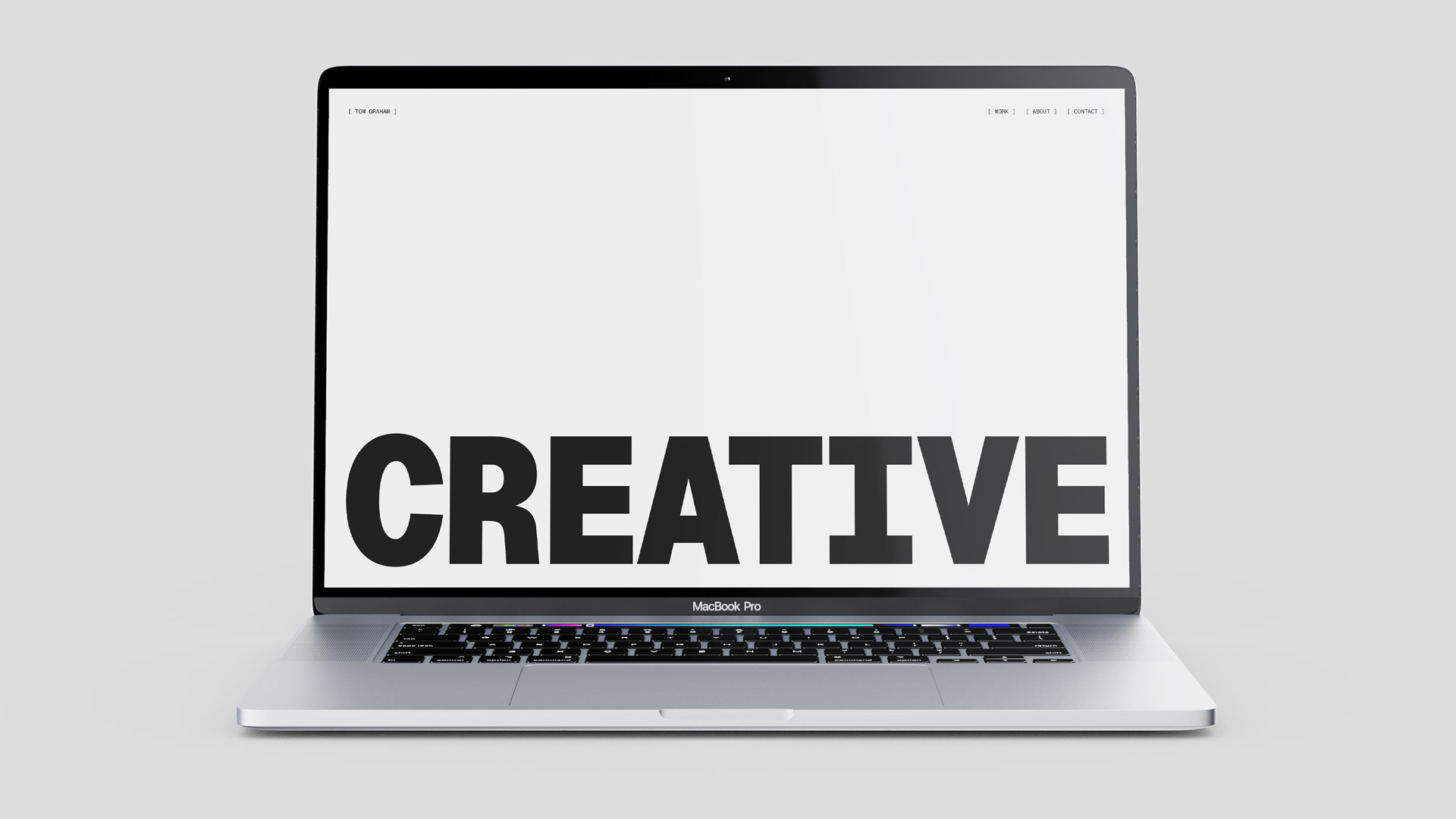
How can we design and build a compelling web portfolio using HTML and CSS in a digital landscape where many creators already have polished online presences and technical tools are widely accessible?
[ PROJECT OVERVIEW ]
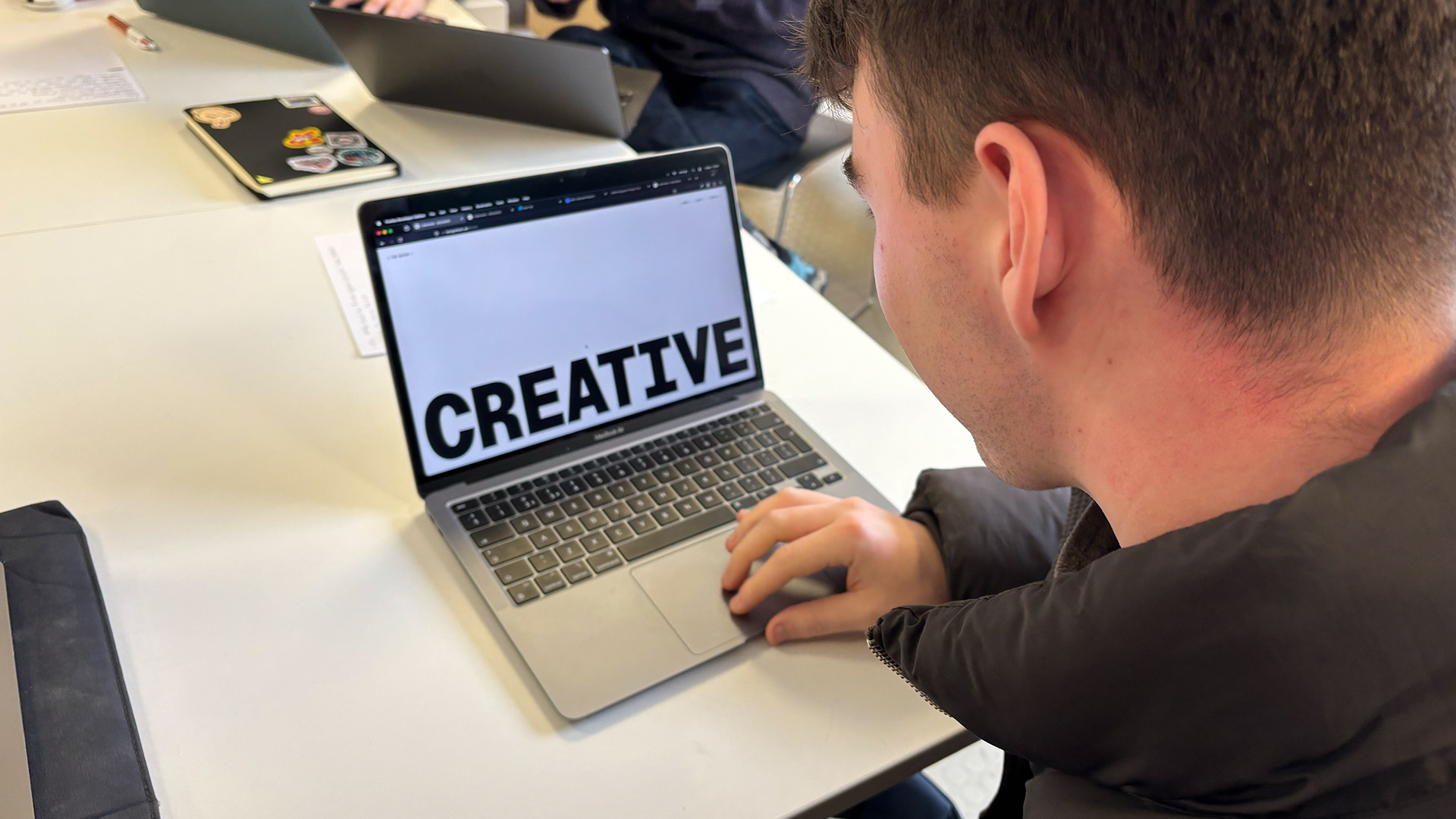
Over four weeks of workshops, we developed a web portfolio using only HTML and CSS, building the site entirely by hand to showcase our project work. Going into the workshops, I already had some prior experience with HTML and CSS, which allowed me to focus more on refining my design process and experimenting with structure, layout, and styling.
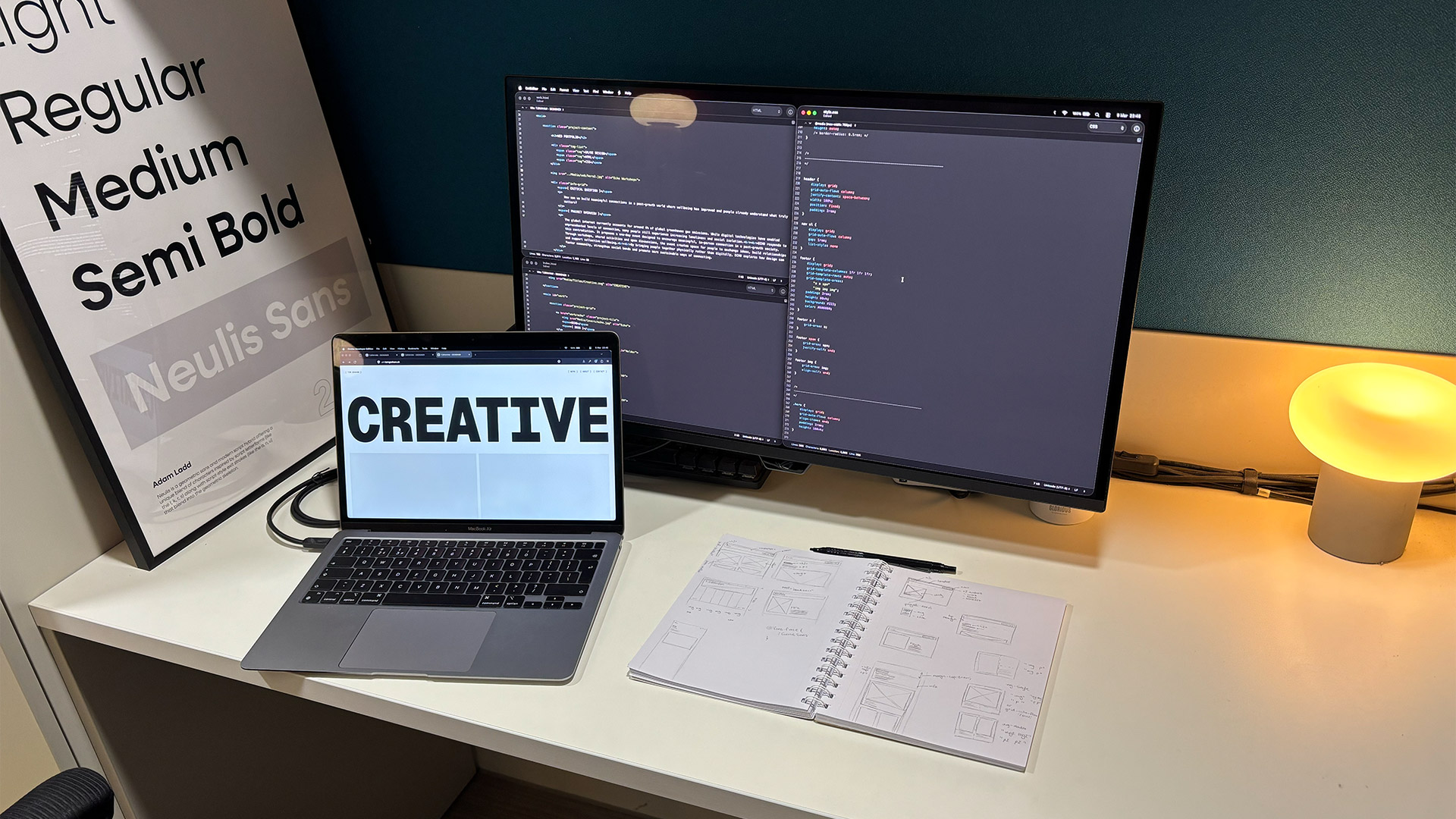
Once the structure and aesthetic direction were clear, I moved into building the site itself using HTML to construct the content and page structure, and CSS to develop the visual styling and layout. This stage involved iterating between code and design, adjusting elements as the site took shape to ensure the final portfolio was clear, functional, and visually cohesive.
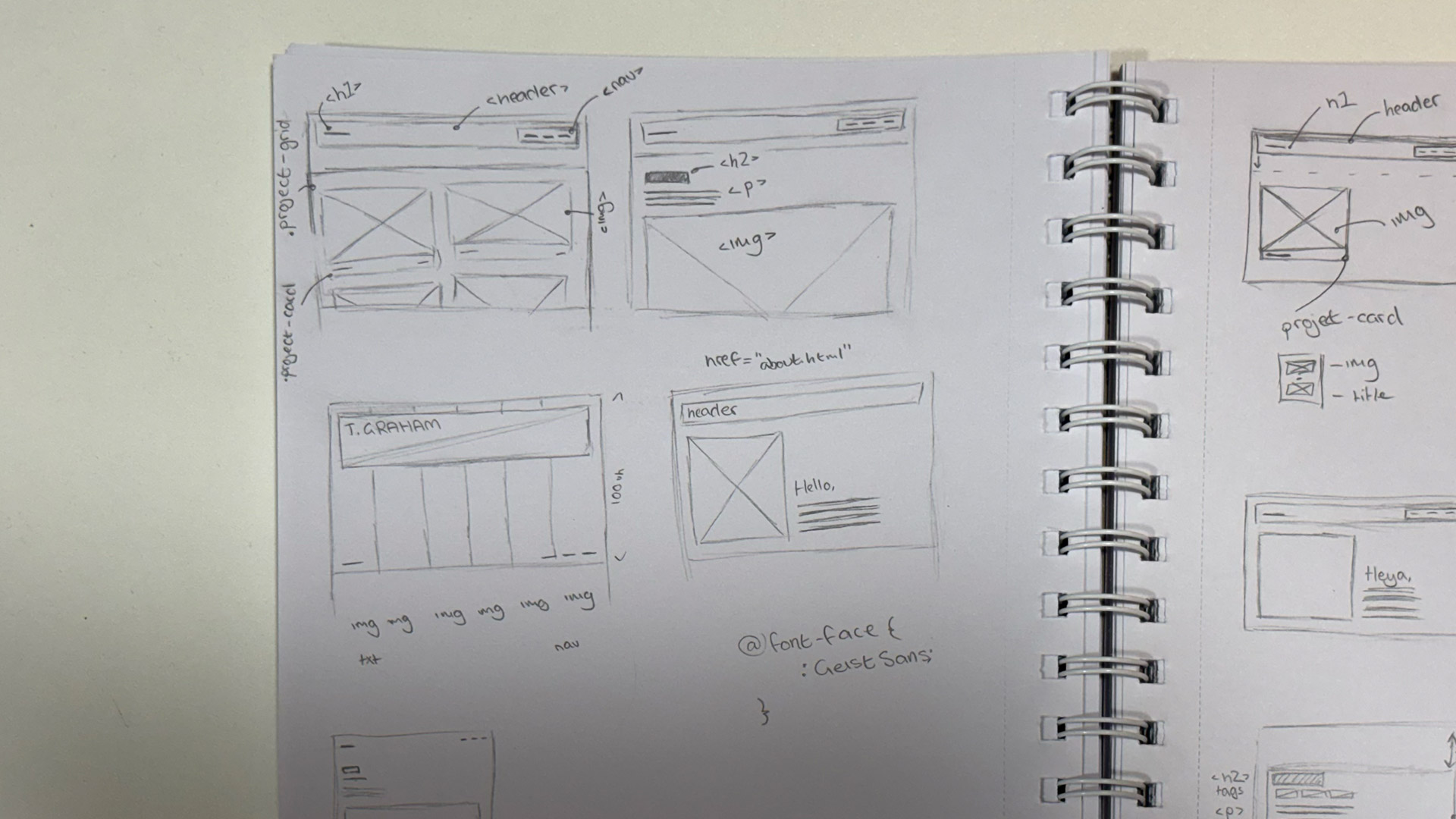
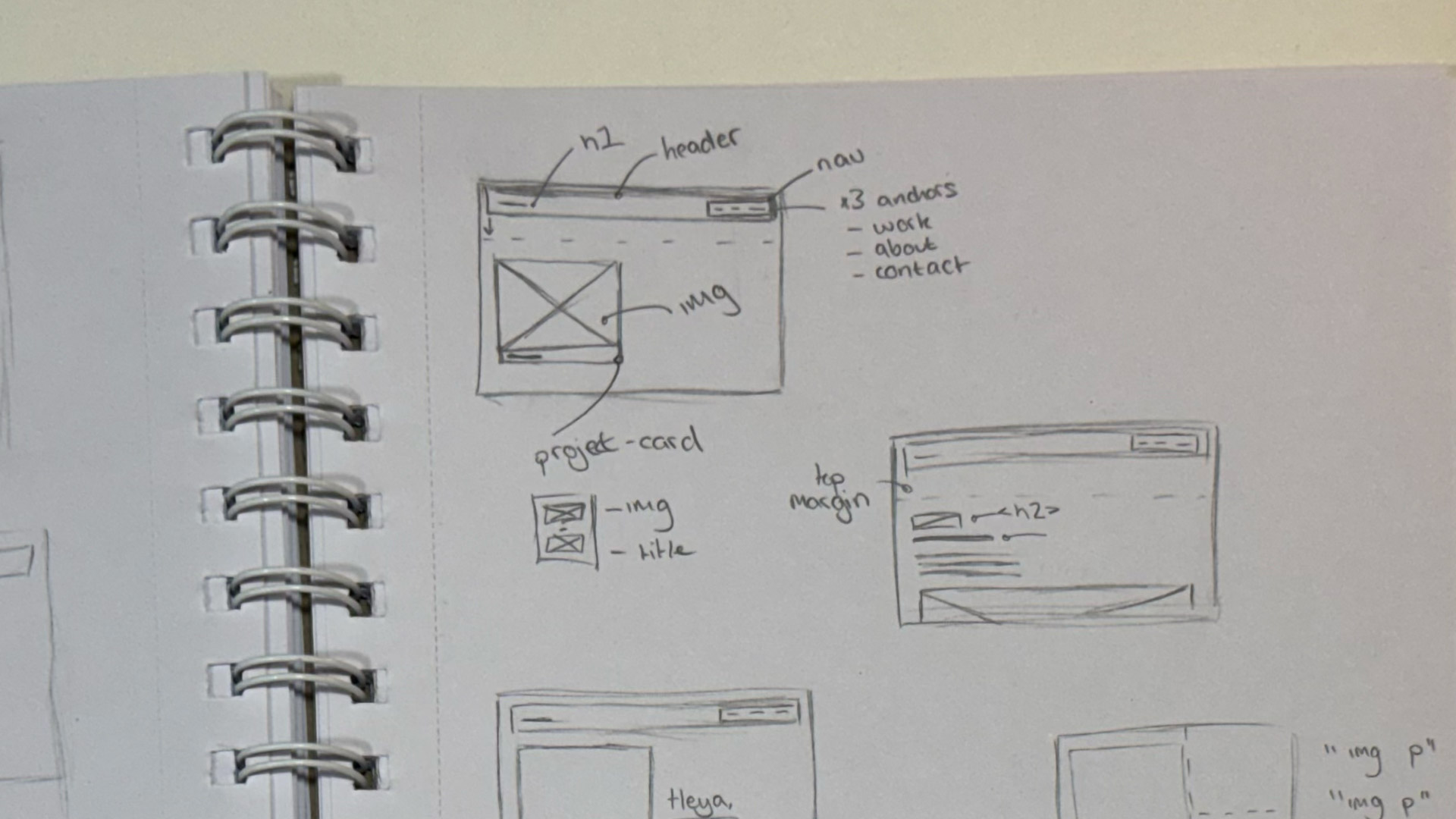
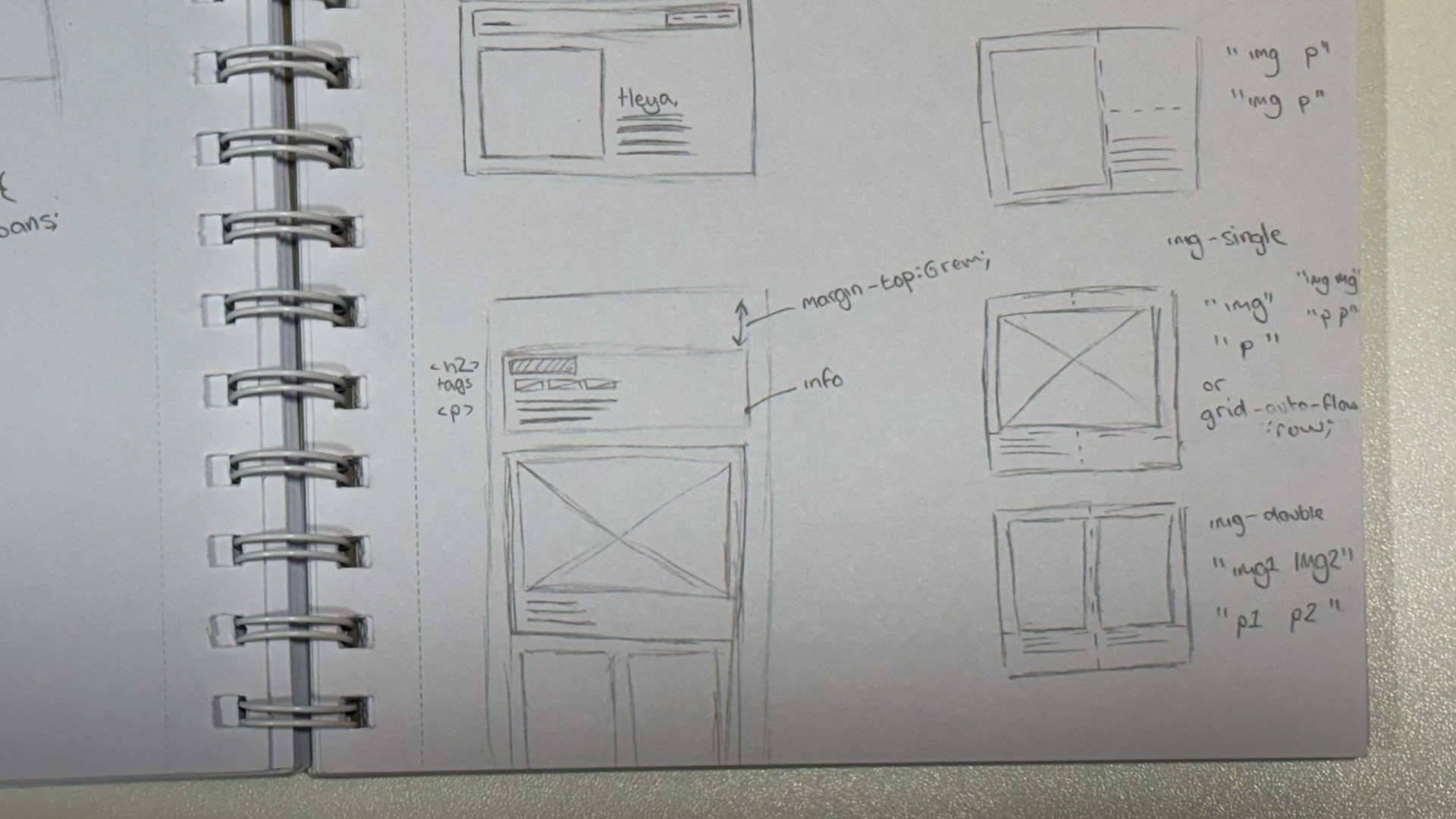
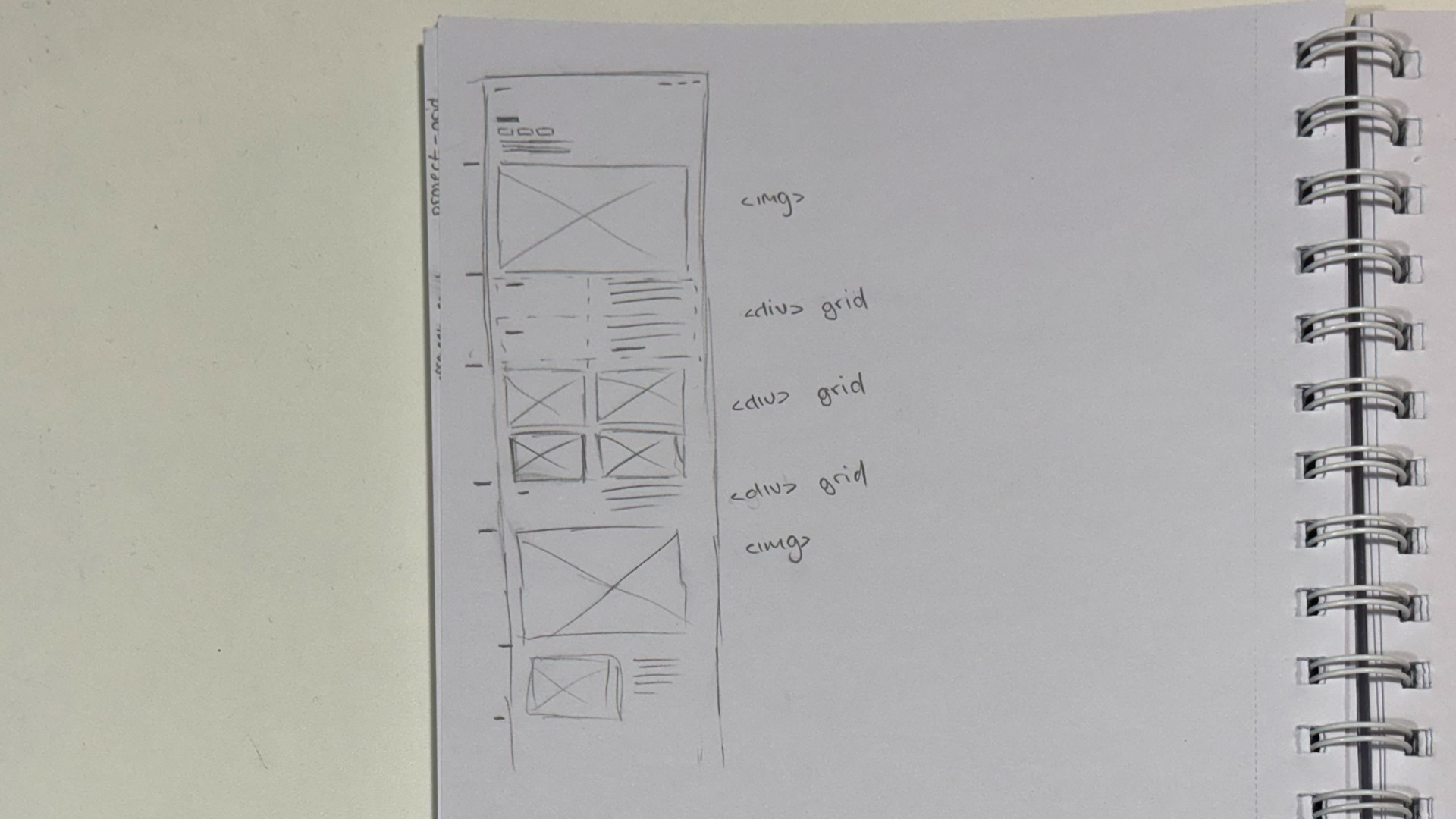
I began the project by stitching together initial ideas through sketches and simple wireframes to explore layout, hierarchy, and navigation. These early concepts helped me plan how the content would be organised and how users might move through the site. After establishing this foundation, I translated the wireframes into digital mockups to test visual style, spacing, and typography.
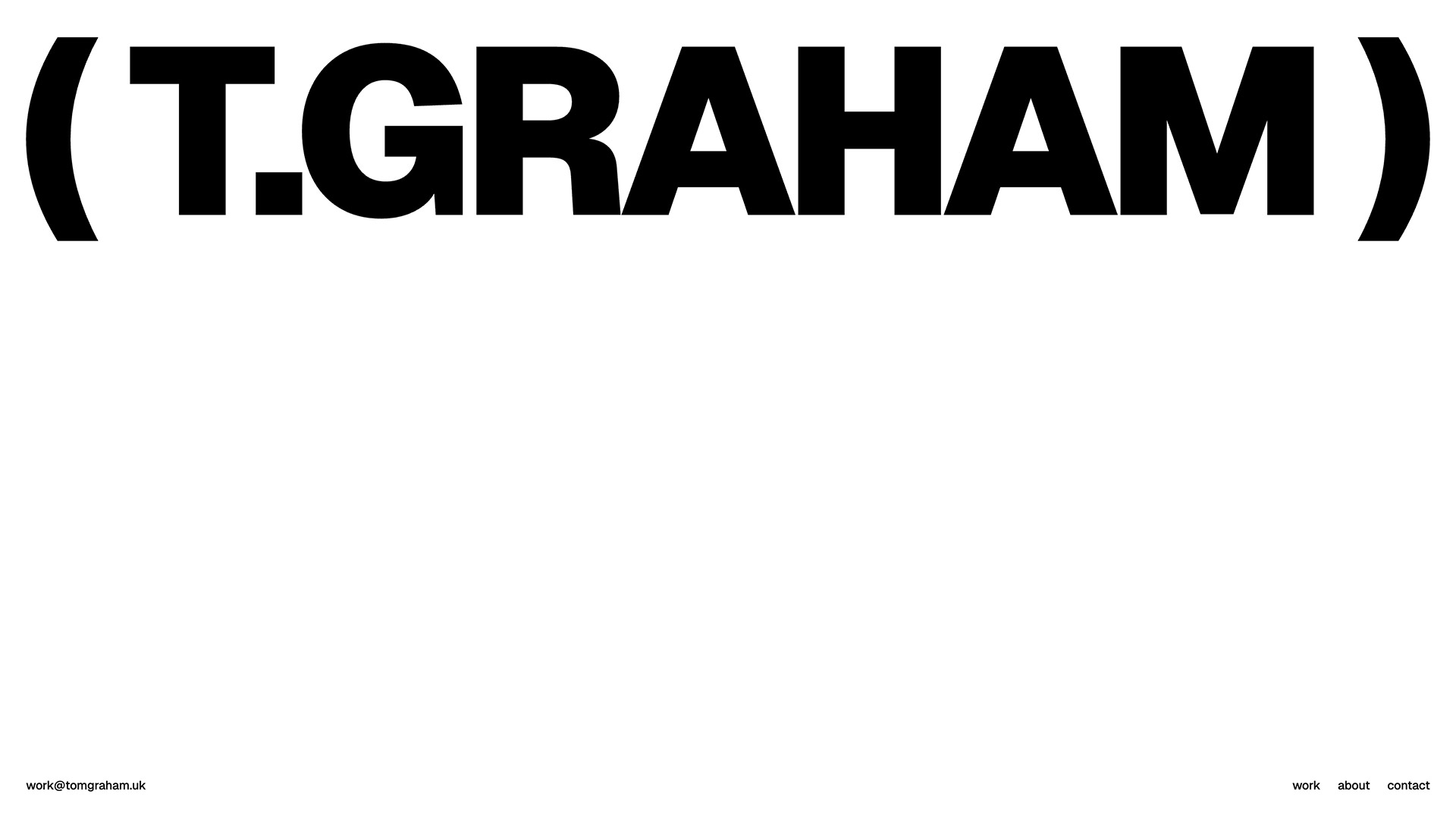
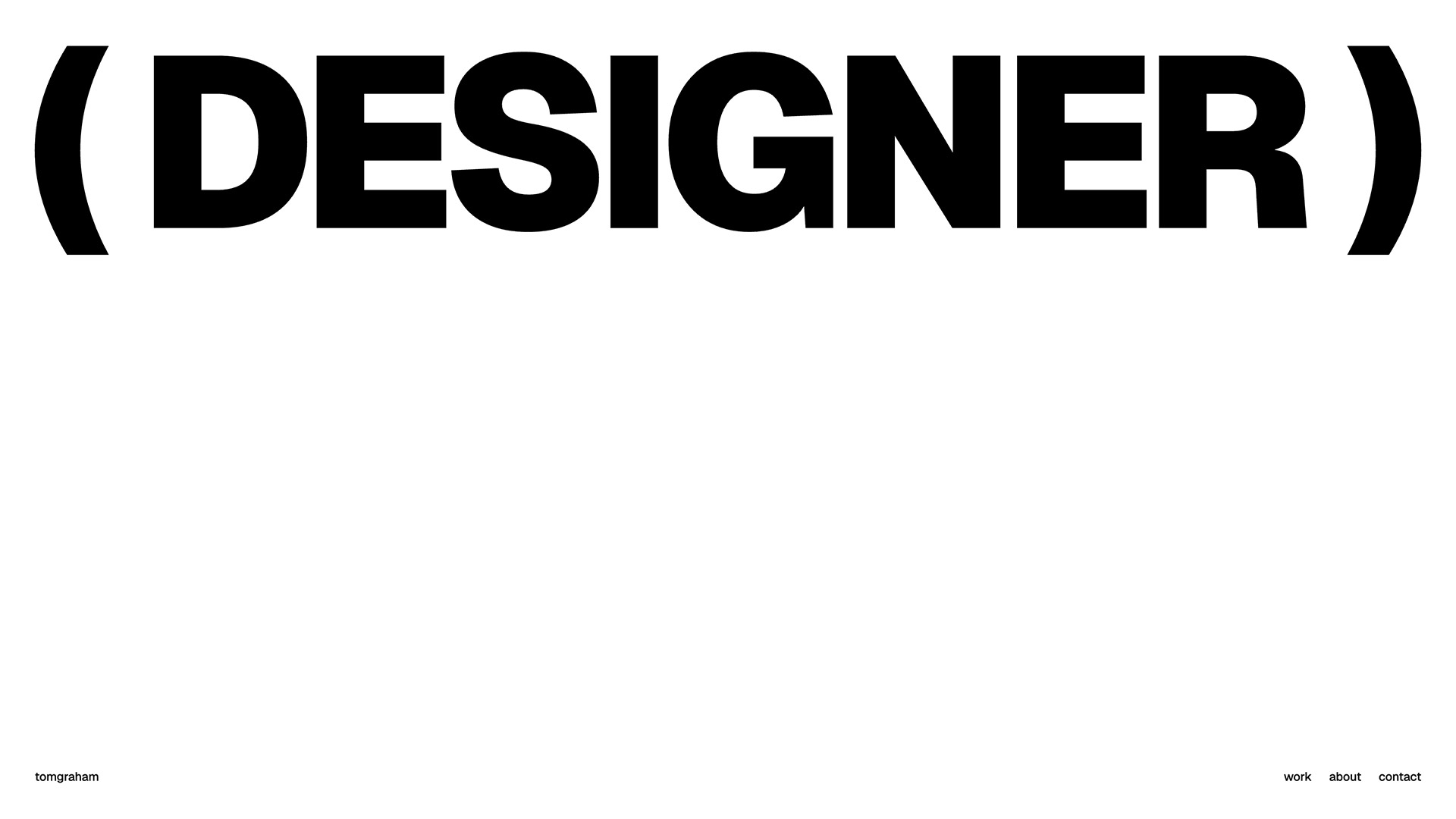
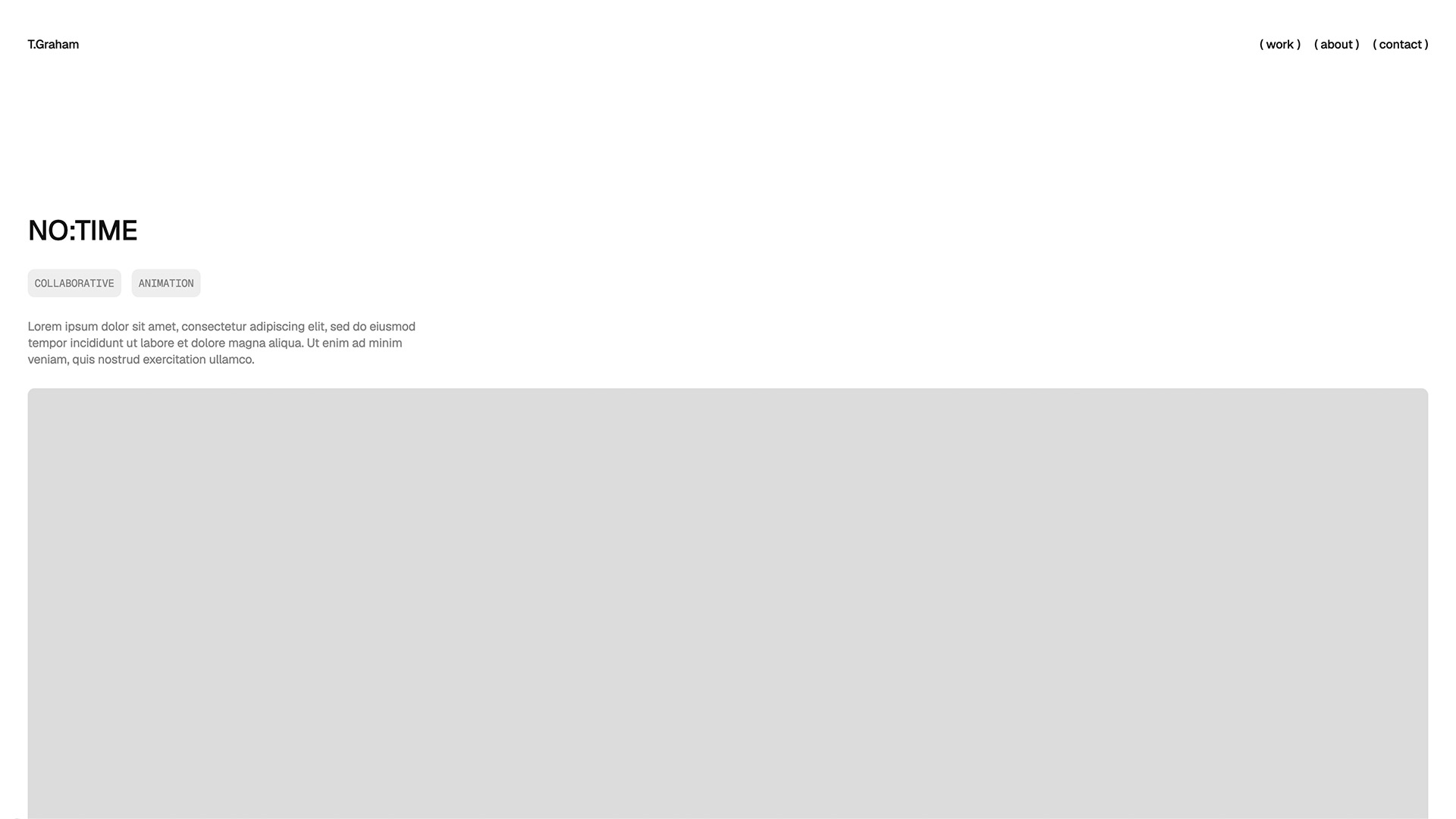
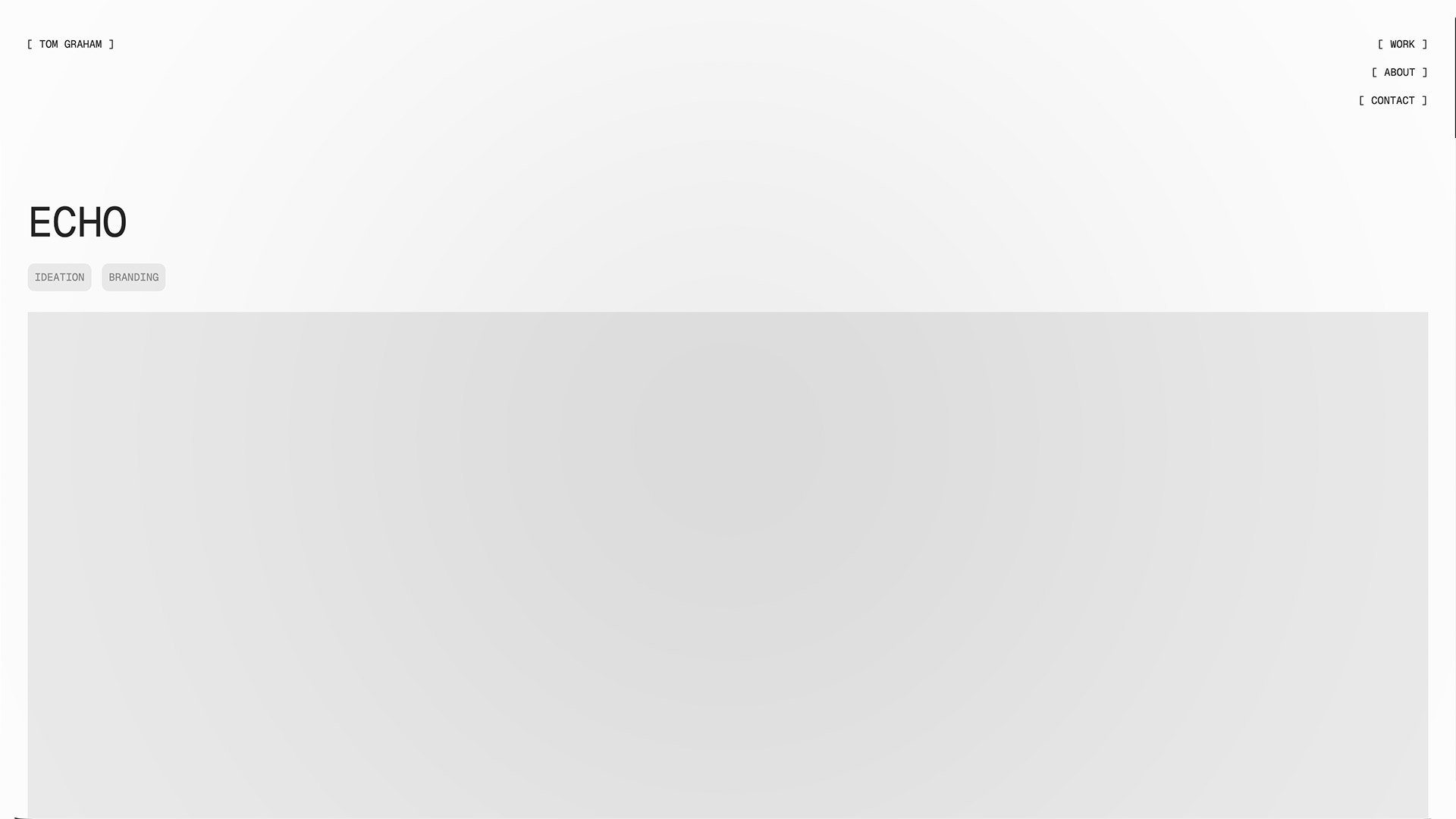
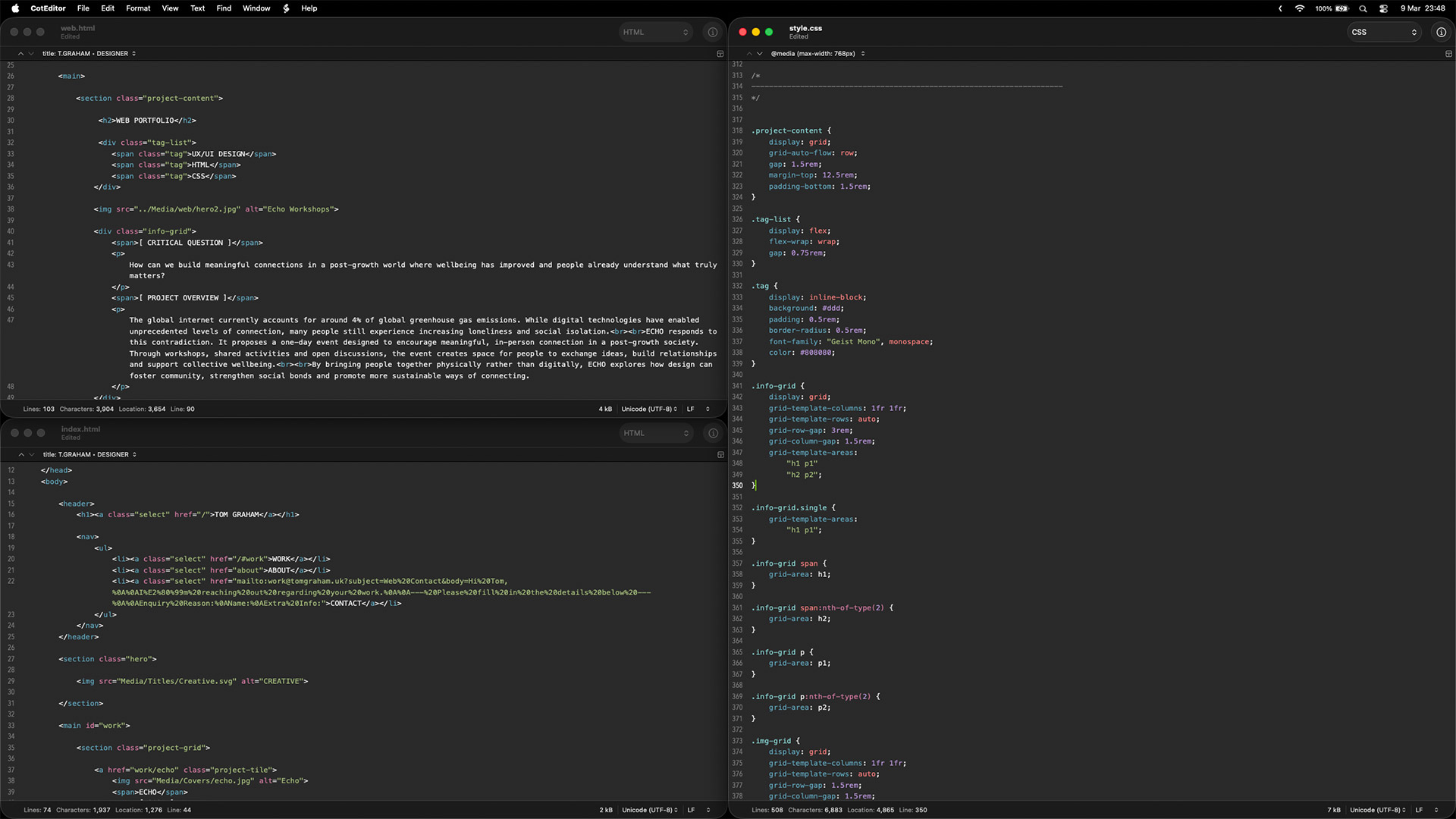
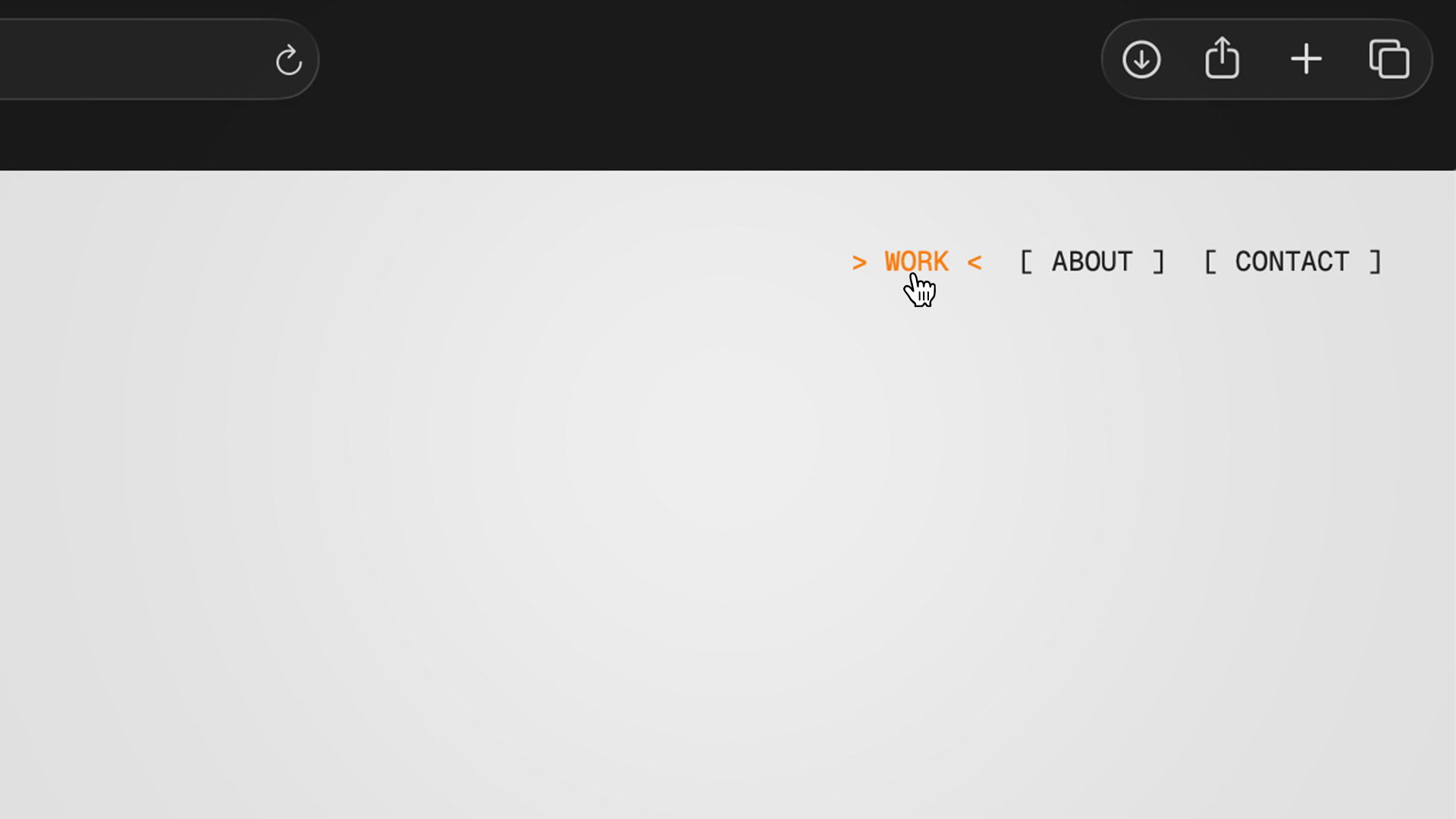
Another detail in the visual styling was the use of CSS pseudo-elements to introduce bracketed markers around interactive elements, displayed as “[x]”. Rather than adding these characters directly into the HTML, I generated them with ::before and ::after. This allowed the markup to remain clean, semantic, and accessible, as the brackets were purely decorative and did not need to be read by screen readers or included in the document structure.
Using pseudo-elements also made it easier to control and adapt the visual behaviour of these markers through CSS. For example, on hover the square brackets could be replaced with a “>” indicator, creating a small directional cue that suggests movement or progression. Because this behaviour was handled entirely in CSS, it allowed for smooth interaction changes without altering the underlying content or structure.
 BACK TO WORK